Why Would I Use a Website Instead of Installing an iPhone App?
For years, iPhone users have been trained to install dedicated apps via Apple’s App Store to get the best experience from their favorite services. Yet, recent advances in iOS Safari—especially with Safari 16 and the WebKit updates powering it—are rewriting the playbook. Suddenly, websites launched from the Home Screen behave much more like native apps, without needing an App Store install. This means you can save iPhone storage, avoid the App Store, and skip app updates needed headaches, all while enjoying rich, app-like web experiences.
Safari 16 and WebKit Changes: A New Era for Mobile Web Apps
Apple’s ongoing enhancements to Safari and its underlying engine, WebKit, have made a significant difference in how web apps run on iPhones and iPads. Starting with Safari 16, websites added to the iPhone’s Home Screen open as standalone web apps by default—meaning they launch without browser UI elements like the address bar and tabs. This shift simplifies web app launch behavior, making it feel naturally app-like without any extra installation steps.
Why is this important? Previously, users often faced confusing launch modalities with Home Screen websites toggling between browser and app modes unpredictably. Safari 16’s default “standalone-webapp” behavior ensures a consistent and immersive experience. This change is baked deep into WebKit, ensuring better performance and native feel, removing the fuzziness that plagued earlier versions.
No Special Installability Requirements for App-Like Launch Behavior
This is a key point many developers and users don’t realize. To get your website opening like an app from the Home Screen on iPhone, you don’t need magical installability metrics or compliance with complex App Store-like criteria. Unlike Android, where progressive web apps (PWAs) require manifests and service worker registration to trigger install prompts and full standalone functionality, Safari 16+ broadly assumes any website added to the Home Screen should open in app mode.
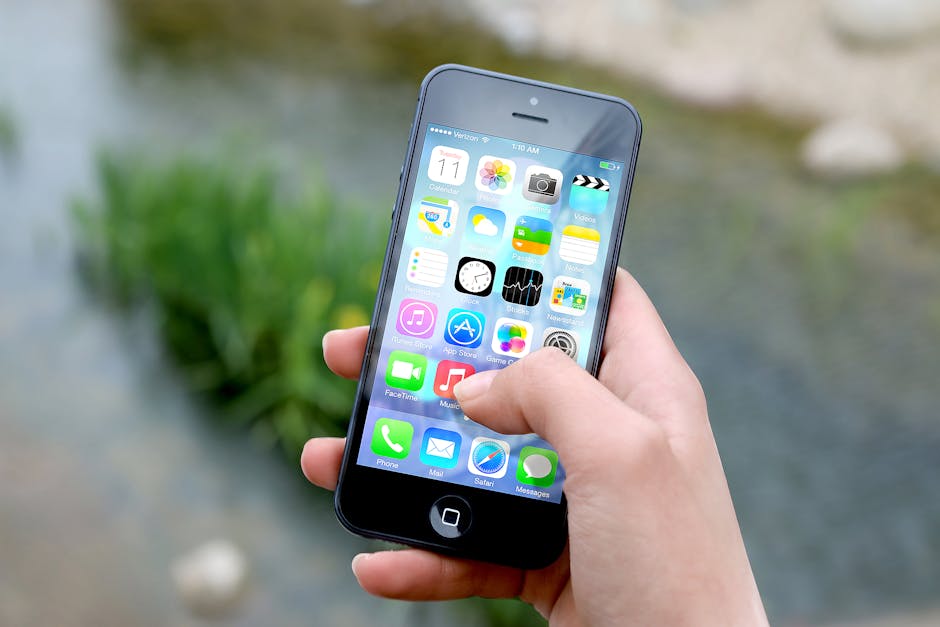
What does this mean for you? If you want an app-style experience that:
- launches full screen
- hides Safari UI chrome
- feels fast and integrated
…you just need to add a website to your Home Screen. No specialized manifest setup or service workers required to unlock this baseline behavior.
This is a big deal, because it lowers barriers for users who want to try out browser-first services without visiting the App Store. For people trying to save iPhone storage and avoid the hassle of installing or updating native apps, this default web app launch behavior in Safari is a welcome improvement.
But Manifests and Service Workers Still Matter for Rich Experiences
While you don’t need manifests and service workers to get the standalone launch experience, these tools remain essential for turning a Home Screen website into a truly robust PWA. A Web App Manifest lets developers specify app icons, background colors, display modes, and startup screens, enhancing the polish of the experience.
Service Workers, meanwhile, unlock powerful offline caching and background sync capabilities, making your web app faster and more resilient, especially on flaky networks. Safari has been gradually improving support for service workers over recent versions, and combined with manifest metadata, the results are compelling:
- Offline availability for core content
- Background sync for actions triggered while offline
- Push notifications (though Apple’s implementation is still evolving)
- Custom launch screens and splash effects
To sum it up: if you want a quick app-like launch from the Home Screen to keep storage and installs minimal, you’re covered by Safari 16’s default behavior. But if you want a rich, resilient, offline-first app experience, you’ll still want to invest in manifest files and service worker scripts for your site.
Browser-First Services Are Now Viable Alternatives to App Store Apps
Thanks to these improvements, many web-first companies choose to deliver their entire service through the portrait landscape web app browser rather than building a native iPhone app. This “browser-first” approach offers several key benefits:
- No App Store Required: Users can avoid the App Store altogether, sidestepping waiting times, install size limits, or app review bottlenecks.
- Instant Updates: Since the service runs on the web, developers deploy new features and fixes immediately. Users never face “app update needed” screens that interrupt use.
- Cross-Device Consistency: The same URL works everywhere—iPhone, iPad, Mac, and even Android or desktop browsers—with no need to maintain separate codebases.
- Save iPhone Storage: No bulky native app to download or install, preserving precious device storage.
- Simplified Sharing and Discovery: Websites can be discovered via search engines, social links, or QR codes, making sharing frictionless.
Many companies well-known for their native apps are now either complementing them with PWAs or pivoting toward browser-first strategies. Apple itself has showcased improved web capabilities as part of Safari’s evolution, signaling confidence in the mobile web’s future.
Addressing Common Objections
“What about performance compared to native apps?”
Thanks to WebKit’s ongoing optimizations, Safari 16+ provides remarkably smooth and responsive web apps. While native apps may have occasional advantages in accessing deeper iOS APIs, most everyday workflows, media consumption, and interactions feel snappy and fluid in modern web apps. In many cases, well-crafted PWAs even consume less RAM or battery power.
“I’m concerned about offline usage”
Service workers empower web apps with offline capabilities. Although more limited than fully native solutions, Safari’s support is sufficient for caching critical content and providing fallback experiences during network interruptions. If offline use is vital, look for sites that implement these features.
“I want push notifications”
Push support is gradually arriving for iOS PWAs in WebKit but remains limited compared to native apps. Depending on your needs, native apps may still hold an edge here for the time being.
Summary: When Should You Use a Website Instead of Installing an iPhone App?
Scenario Use a Website (PWA) Use an Installed iPhone App Save iPhone storage Yes — no bulky native app to install No — app files take space Avoid App Store hassle Yes — just add to Home Screen in Safari No — must download, approve, and update via App Store No app updates needed Yes — updates delivered instantly on the web No — need to install updates manually or auto-update Rich offline or background features Partially — service workers help, but limitations remain Yes — full native API access and power Push notifications Limited — improved support in Safari pending Full support Performance for heavy use or games Good but limited by web constraints Best — native performance and GPU accessFinal Thoughts
With Safari 16 and WebKit’s continued enhancements, the line between native apps and websites on iPhone is blurring. Websites added to your Home Screen now launch like apps by default, requiring no special installability hoops. You can enjoy full-screen, app-style experiences that save iPhone storage, avoid the App Store, and eliminate the annoyance of app updates needed.
At the same time, careful use of manifests and service workers unlocks richer capabilities. And as browser-first services mature, more users will find they don’t need native apps for many everyday tasks. This is a win-win for both users and developers.

If you want to test this out, grab your iPhone, open a modern mobile-optimized website (preferably a PWA), and use Safari’s “Add to Home Screen” feature from the share menu. Open it from your Home Screen and see how smoothly it runs without any install process or App Store friction.
Yes, native iPhone apps will continue to thrive for some use cases, but modern web apps now represent a compelling, low-friction alternative. With Apple, Safari 16, and WebKit making Home Screen websites act like standalone apps, the web is more powerful than ever on your iPhone.